
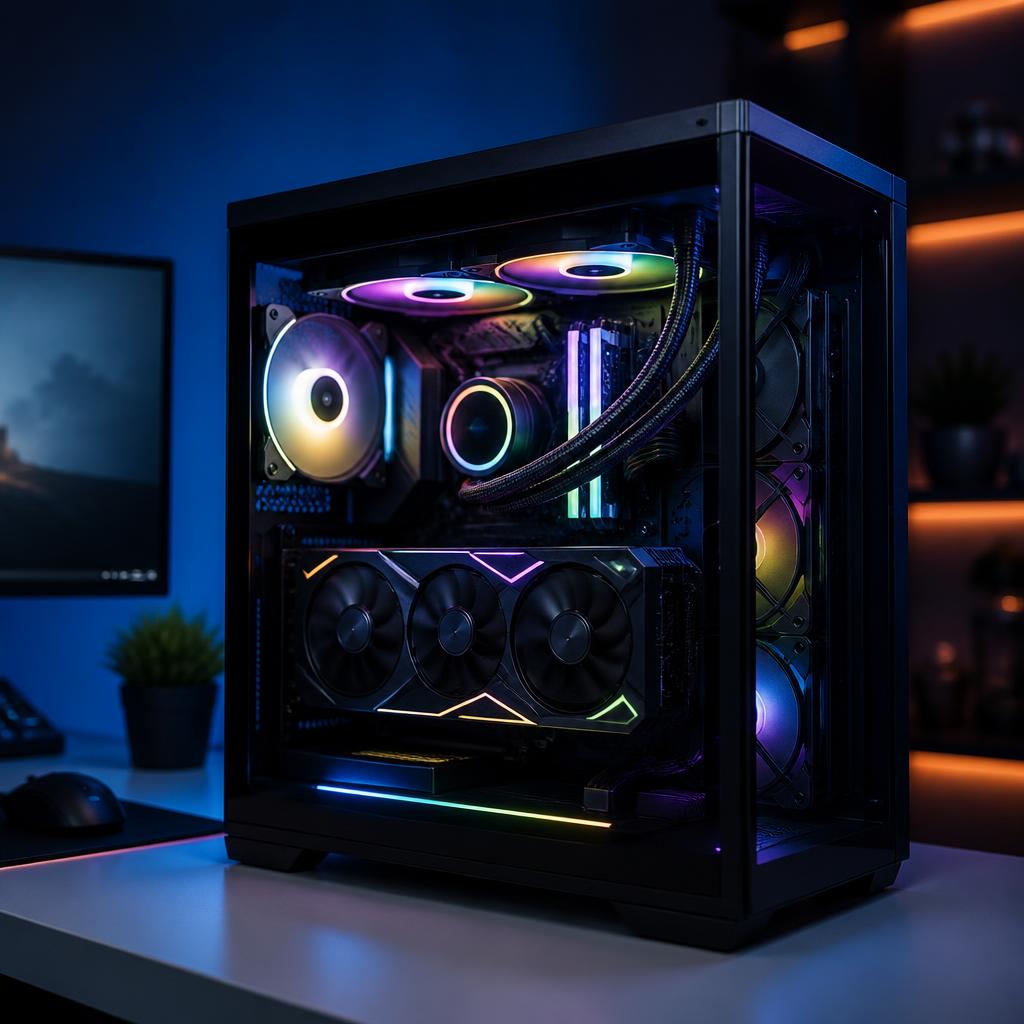
The graphics card is still the single biggest lever for gaming and creative performance in 2026. But with new mid-range cards launching almost every quarter, it's easy to overspend on horsepower you'll never actually use. Here's how we help customers at Keystone Labs decide.
Start With Your Monitor, Not the Card
Your display sets the ceiling for what a GPU upgrade can do for you. A blazing new card paired with an old 1080p 60Hz monitor is wasted money. Before upgrading, check:
- Resolution — 1080p, 1440p, or 4K
- Refresh rate — 60Hz, 144Hz, 240Hz, or higher
- Panel tech — IPS, OLED, or VA, and whether it supports HDR
If your monitor caps out at 1080p/60, a mid-tier card is plenty. If you're on a 1440p 240Hz OLED, that's where higher-end silicon actually earns its price.
Signs Your GPU Is the Real Bottleneck
- Frame rates drop hard in modern titles even on medium settings
- Ray tracing or AI upscaling features are unavailable or unusable
- Your card runs at 95–100% usage while the CPU sits at 40–60%
- Video editing timelines stutter on 4K footage
- VRAM warnings pop up in games or creative apps
If two or more of those apply, an upgrade will feel like a brand new PC.
When You Shouldn't Upgrade Yet
- Your CPU is more than two generations behind the GPU you're eyeing
- Your power supply is under 650W or an unknown budget brand
- You're chasing 5–10% gains over your current card
- You mostly play esports titles that already run above your refresh rate
In those cases, a CPU, RAM, SSD, or monitor upgrade will give you more real-world improvement per dollar.
Don't Forget the Support Cast
A new GPU pulls more power, generates more heat, and often needs updated drivers, BIOS, and cabling. Before you drop it in, confirm:
- PSU wattage and connectors (12V-2x6 / 16-pin adapters where required)
- Case clearance — modern cards are long, thick, and heavy
- Airflow — intake and exhaust need to keep up
- BIOS updates on older motherboards
Let Us Spec It With You
Our team builds and services PCs every day, so we know which GPUs actually deliver at each price point in 2026 — and which are marketing. Bring in your current build or a parts list and we'll tell you honestly whether an upgrade makes sense, or request a custom quote and we'll design the right path forward.