
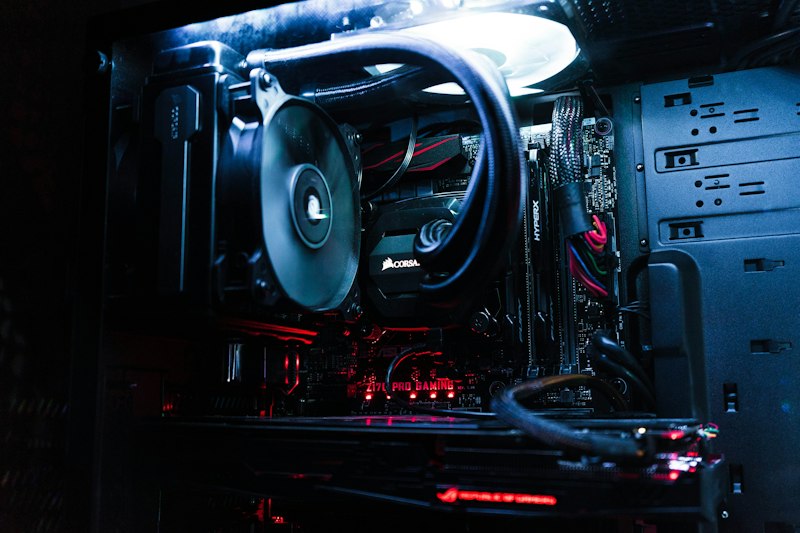
Heat is the silent killer of PC components. When your CPU or GPU runs too hot, it throttles performance to protect itself — and in extreme cases, you risk permanent damage.
1. Clean Your Fans and Filters
Dust buildup is the number-one cause of overheating. Pop open your case every 3–6 months and use compressed air to blow out dust from fans, heatsinks, and mesh filters.
2. Reapply Thermal Paste
If your PC is more than 2–3 years old and you've never reapplied thermal paste, it's likely dried out. Fresh paste can drop CPU temps by 5–15°C.
3. Improve Your Airflow
Make sure your case fans are configured properly: intake at the front/bottom, exhaust at the rear/top. Positive pressure (more intake than exhaust) helps keep dust out.
4. Upgrade Your Cooler
The stock cooler that came with your CPU might not be enough, especially if you're running intensive workloads. A quality tower cooler or AIO liquid cooler makes a huge difference.
5. Monitor Your Temps
Use software like HWMonitor or Core Temp to keep an eye on temperatures. Ideally, your CPU should stay below 80°C under load, and your GPU below 85°C.
Need Help?
If your PC is overheating and you're not comfortable opening it up, bring it to us. We'll clean it out, reapply thermal paste, and optimise your airflow.