
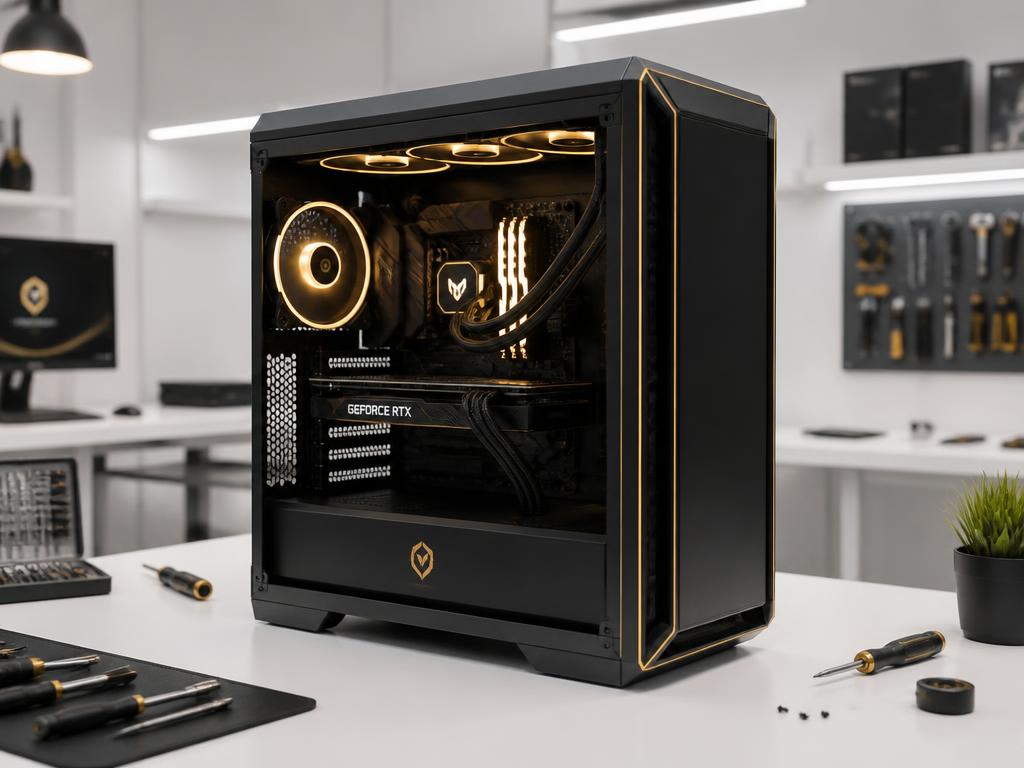
August is almost over, and that means fall schedules, school semesters, and new game releases are about to land all at once. The last thing you need is a PC that decides to quit the same week your workload doubles. The good news: most late-summer PC problems are preventable with a short checklist. Here's what we recommend at Keystone Labs before September rolls in.
1. Clean the Dust You Can't See
Even a clean-looking room builds up dust inside a PC over the summer. Pets, fans, open windows, and humid days all push debris into heatsinks and filters. A clogged PC runs hotter and louder, and heat is the fastest way to shorten the life of a CPU or GPU. Pull the side panel, hold the fans still, and blow out the dust with compressed air. If you have not opened the case in a year, this one step usually makes the biggest difference.
2. Check Drive Health Before You Need the Files
A slow boot or a PC that pauses during simple tasks is often a storage drive wearing out. SSDs are reliable, but they do have a lifespan. Mechanical drives are even more vulnerable after a hot summer. Back up anything important, then check the drive health in your BIOS or with a free tool like CrystalDiskInfo. If the drive is flagged as caution or bad, replace it now, not the night before a deadline.
3. Update the Basics
Outdated drivers and pending Windows updates cause more crashes than most people realize. Before fall gets busy, take 20 minutes to:
- Install the latest GPU and chipset drivers
- Run Windows Update until it is fully caught up
- Update your motherboard BIOS only if the release notes fix a known issue you have
- Restart once and confirm the system boots clean
This simple reset solves a surprising number of random freezes and performance drops.
4. Test the Hardware You Rarely Touch
Check the things that only matter when they fail. Make sure your backup drive still mounts, your webcam works, your microphone is recognized, and your Wi-Fi adapter holds a stable connection. If you use a laptop, run it on battery for a few minutes to see if the battery life has dropped noticeably. Replacing a worn battery now is cheaper than replacing it in a panic later.
5. Know When to Ask a Pro
Some issues are not worth guessing on. If your PC is still slow after cleaning and updates, if it crashes under load, or if it makes a new noise, bring it in. At Keystone Labs in East McKeesport, diagnosis helps identify the fault and compare repair with replacement. Contact Nick to arrange an appointment and discuss the scope, quote and timing.
A little attention in late August can save you a lot of stress in September. If your PC is your main tool for work, school, or gaming, treat it like one. Book a tune-up or repair and we'll get you ready for fall.