July heat is brutal on desktop PCs. Your GPU and CPU work harder, fans spin faster, and if your cooling setup isn't up to snuff, performance drops through thermal throttling before you even notice. Here's a practical guide to keeping your system cool, stable, and quiet through summer 2026.
Air Cooling Is Still Excellent
Don't assume liquid cooling is automatically better. A quality dual-tower air cooler with two 140mm fans can match or beat a 240mm AIO for most CPUs — with fewer failure points and zero pump noise.
- Best for: CPUs up to 250W, builds that sit idle for years, anyone who hates maintenance
- Top picks in 2026: Noctua NH-D15 chromax.black, DeepCool Assassin IV, Be Quiet! Dark Rock Pro 5
- Key detail: Case airflow matters more than the cooler itself. A great cooler in a sealed box still loses.
AIO Liquid Cooling: Compact and Effective
All-in-one liquid coolers shine when case height is tight or when you want to move heat directly out of the case through a radiator. In 2026, 360mm AIOs are the go-to for high-end builds, and even 240mm units handle mainstream CPUs well.
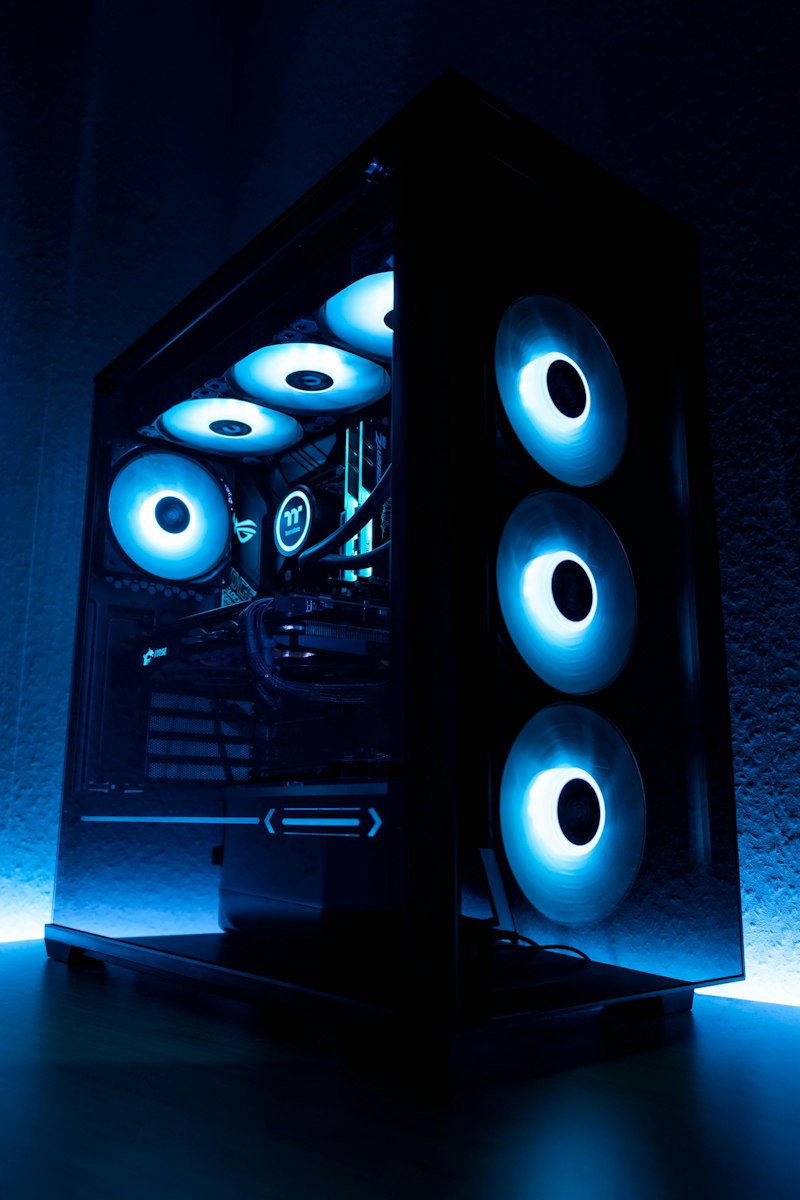
- Best for: High-end CPUs, compact cases, builds with strong glass-panel aesthetics
- Watch out for: Pump failure after 5–7 years, evaporation in cheap units, and fan noise on budget radiators
- Top picks in 2026: Arctic Liquid Freezer III, NZXT Kraken 360, Corsair iCUE Link Titan
Case Airflow Is Half the Battle
Your cooler can't do much if the case traps hot air. Look for:
- Mesh front panels instead of solid glass
- Room for at least two intake and one exhaust fan
- No GPU pressed against a glass side panel — give it breathing room
- Dust filters you can actually clean
The classic front-to-back, bottom-to-top airflow pattern still works. Intake low, exhaust high. Don't overthink it.
Thermal Paste and Mounting Pressure Matter
A $20 tube of quality thermal paste and proper cooler mounting can drop temperatures by 5–10°C. In 2026, good options include Thermal Grizzly Kryonaut, Noctua NT-H2, and Arctic MX-6. Reapply every 2–3 years if you notice temps creeping up.
Don't Ignore the GPU
Modern GPUs are massive heat generators. In summer, an RTX 4080 or RX 7900 XTX can easily push a case into the 80s if airflow is weak. A GPU support bracket helps sag, but what really helps thermals is:
- A case with bottom intake feeding the GPU fresh air
- Undervolting — often drops 10°C with zero performance loss
- Regular dusting — especially the heatsink fins and fans
When to Bring It In
If your PC is randomly shutting down, thermal throttling in games, or sounding like a jet engine no matter what you do, it's time for a professional look. Keystone Labs handles cooling upgrades, thermal paste replacement, case airflow redesign, and full custom builds built to handle heat from day one.
Stay cool this summer. Contact us for a cooling checkup or request a custom build designed for your climate and your workload.